

Nine spreadsheet automations for the worst tasks in SCHADS payroll
Pay Cat Toolbox connects directly to your Pay Cat business file, so you can update employee records, reshape messy timesheets, and run SCHADS and compliance reports. No exports, no re-imports.
Toolbox is available to Pay Cat customers with an active Pay Cat API key. New to Pay Cat? A demo is the fastest way to see it running against a real business file.
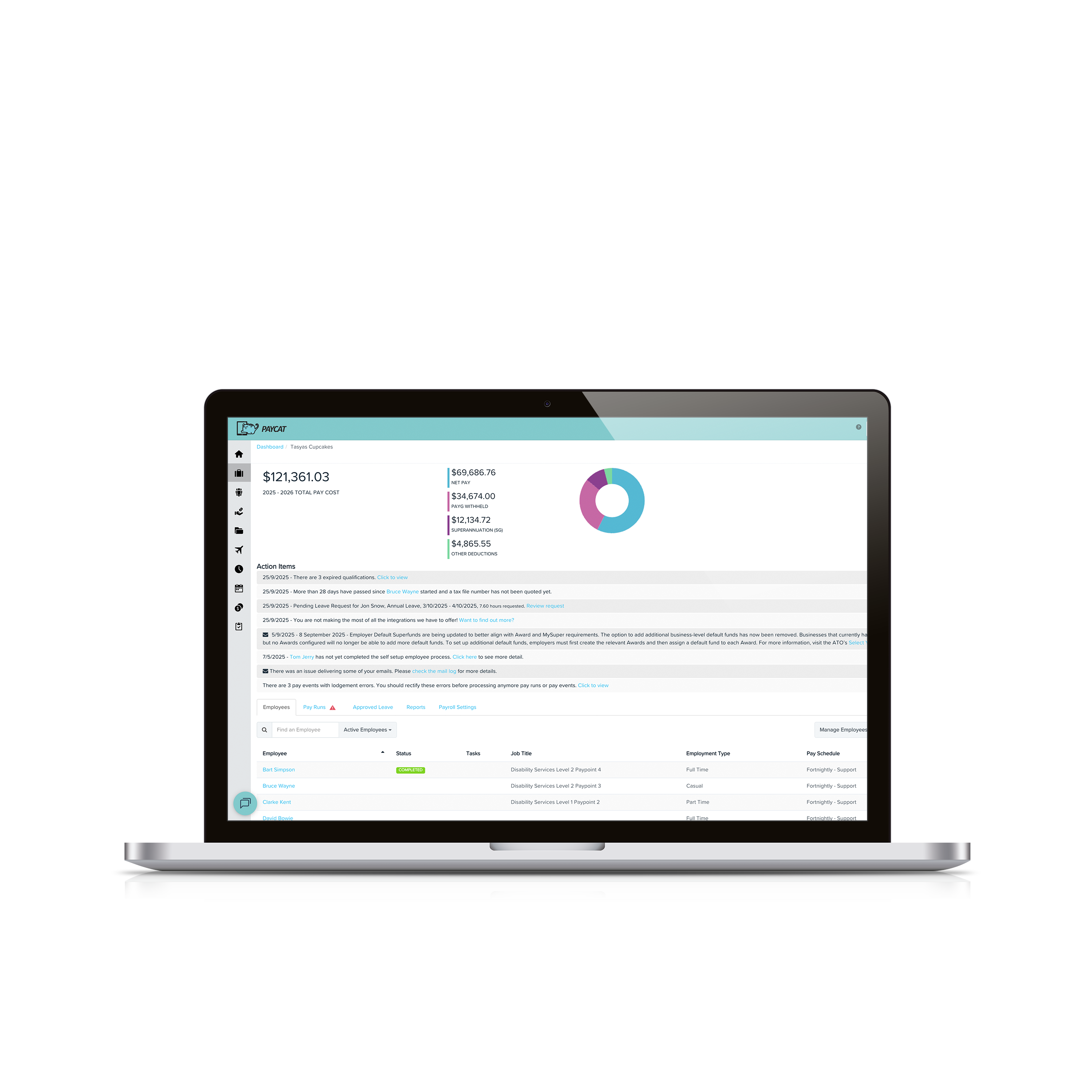
There's more to payroll than the pay run
Bulk-updating fifty employee records. Reshaping timesheets from a CRM that has never heard of Pay Cat. Working out which SCHADS employees are creeping toward a pay point change, or the extra week of annual leave. Checking a business file is actually ready before a pay run goes out. None of it is glamorous, and most of it usually means exporting, re-importing, and hoping nothing broke in between.
Toolbox handles the fiddly part for you, straight out of a Google Sheet your team already knows how to use, connected directly to your Pay Cat business file.
Any of this sound familiar?
| 1 | Still exporting, editing and re-importing spreadsheets for every bulk employee change? |
| 2 | Reformatting timesheets by hand because your CRM doesn't talk to Pay Cat? |
| 3 | Chasing SCHADS classification and leave entitlement changes yourself? |
| 4 | Finding out about setup risks only after they've hit a pay run? |
Nine tools, one menu, right next to your data
Every tool runs from the Pay Cat Toolbox menu inside Google Sheets, once your API key and business file are connected. Some make things Pay Cat already does faster, others are reports you won't find anywhere else in the system. All nine came from what clients actually asked us for.
Portable LSL Report
Remembers your pay category selections between runs, so you're not reselecting them every period. For community services and construction schemes, it can also format the report to your state's requirements automatically.
Employee Updater
Pull just the fields you need into a sheet, make bulk changes, and push them straight back into Pay Cat. No more updating profiles one by one, or hunting through a giant employee export to find the rows you need.
Timesheet Shaper
Turns timesheets from almost any format into a Pay Cat-ready import. Handles overlapping shifts, sleepovers and kilometre shifts, useful when your CRM has no Pay Cat integration of its own.
Salaried Hours Report
Breaks salaried staff down into salary hours, leave and leave without pay, then compares that against contracted hours, for a single pay run or a date range.
Classification Report
Tracks hours and days spent at each classification, so you can see a pay point graduation coming, like SCHADS Level 1 Pay Point 1 to Pay Point 2, before it becomes back pay.
File Reviewer
Review your own business file setup whenever you need to, without waiting on us. Catches setup risks before you run payroll, with a summary tab plus detail tabs for anything that needs fixing.
Redundancy Template
Calculates redundancy payments from age, tenure and the termination details you enter, including the ATO reporting, tax and super treatment, pre-filled from the employee record.
Wage Accrual
Works out the true value of unpaid wages at month end or year end, with timesheet costings and pro-rated salaries, so accrual journals go out faster.
SCHADS 5-Week Annual Leave Assessment
Checks weekend work and 24 Hour Care shifts against the quantum of leave criteria, then lists who qualifies for the extra week of annual leave.
Up and running before your coffee goes cold
Install the extension
Open any Google Sheet and go to Extensions > Pay Cat Toolbox. A free Gmail account works fine, you don't need a paid Google Workspace subscription. It only takes a minute, and it's ready across every sheet after that.
Connect your business
Add your Pay Cat API key and choose your business file under Pay Cat Toolbox > Pay Cat Settings. Toolbox now talks directly to your live Pay Cat data.
Run what you need
Pick a tool from the menu, Employee, Payroll, Accounting, SCHADS or Time & Attendance, and get on with the rest of your day.
Every tool has a full walkthrough in the Pay Cat Toolbox Guide, including menu paths, required fields and what each generated tab means.
One price, payroll and every tool in the menu
Pay Cat Payroll with Toolbox is $11 per employee, per month. That is the full payroll platform plus all nine tools, Employee Updater through to the SCHADS 5-Week Annual Leave Assessment, not a separate fee per tool.
Already on Pay Cat Payroll? Toolbox adds $2 per employee, per month to your current subscription. For exact terms and how it applies to your business, see the full breakdown on our pricing page.
per month
Payroll and all nine Toolbox tools. See the pricing page for exact terms and eligibility.
See Full Pricing DetailsSee the Pay Cat Toolbox in Action
Watch how easy it is to run the Toolbox automations
★★★★★
“Since choosing Pay Cat, I’ve been able to sleep well at night after payroll. It’s peace of mind knowing everything is built in. Payroll is one of those areas where you cannot afford to make mistakes.”
Hemakshee Busviah, Samy Care
Questions people ask before turning Toolbox on
Yes, but a free Gmail account is enough, you don't need a paid Google Workspace subscription. Toolbox is a Google Sheets™ extension, so you'll need a Google account to install it and run it in a Google Sheet.
Pay Cat Payroll with Toolbox is $11 per employee, per month. That covers the payroll platform and all nine Toolbox tools, Employee Updater through to the SCHADS 5-Week Annual Leave Assessment. There is no separate fee per tool.
Already on Pay Cat Payroll? Adding Toolbox is an extra $2 per employee, per month, taking your subscription from $9 to $11.
Toolbox is charged on your active employee count, the same basis as your Pay Cat Payroll subscription, and it is only available to Pay Cat customers with an active API key. See our pricing page for the full breakdown and exact terms.
No. Everything runs from menus inside Google Sheets. If your team is comfortable in a spreadsheet, they're already comfortable in Toolbox.
No. Toolbox is built for Google Sheets only, not Excel. Once you've generated a report, though, Google Sheets can export it straight to XLSX format if you need the file in Excel.
Make a copy of the spreadsheet, or duplicate the generated data tab, before a big update. That way there's always a clean copy to fall back on if something needs a second look.
Ready to get Toolbox working for your team?
Two ways in, depending on where you are with Pay Cat.
Already with Pay Cat
Add Toolbox to my accountNo demo needed. Contact support and we'll switch it on.
New to Pay Cat
Book a demoSee Toolbox running against a real business file, alongside the rest of Pay Cat.
Related services
Add-on
Customisations & Integrations
Tailor Pay Cat Payroll to your unique business requirements with custom pay rules and integrations.
Add-on
Award Templates & Configuration
Need a custom award or EBA template built from scratch? Our specialists build and configure it to run correctly in your payroll platform.
See template builds →