

Nine spreadsheet automations for the worst tasks in SCHADS payroll
Pay Cat Toolbox connects directly to your Pay Cat business file, so you can update employee records, reshape messy timesheets, and run SCHADS and compliance reports. No exports, no re-imports.
Toolbox is available to Pay Cat customers with an active Pay Cat API key. New to Pay Cat? A demo is the fastest way to see it running against a real business file.
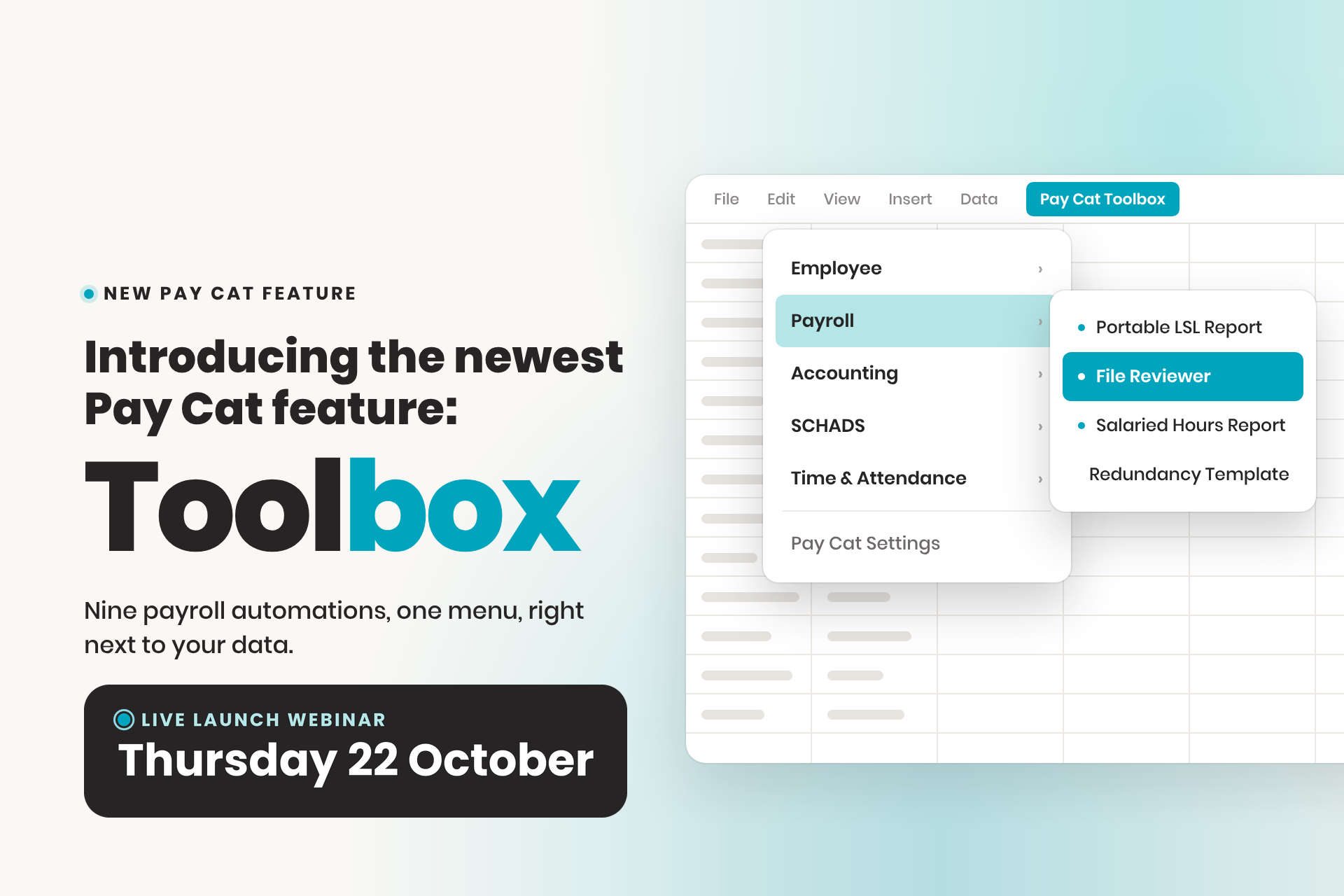
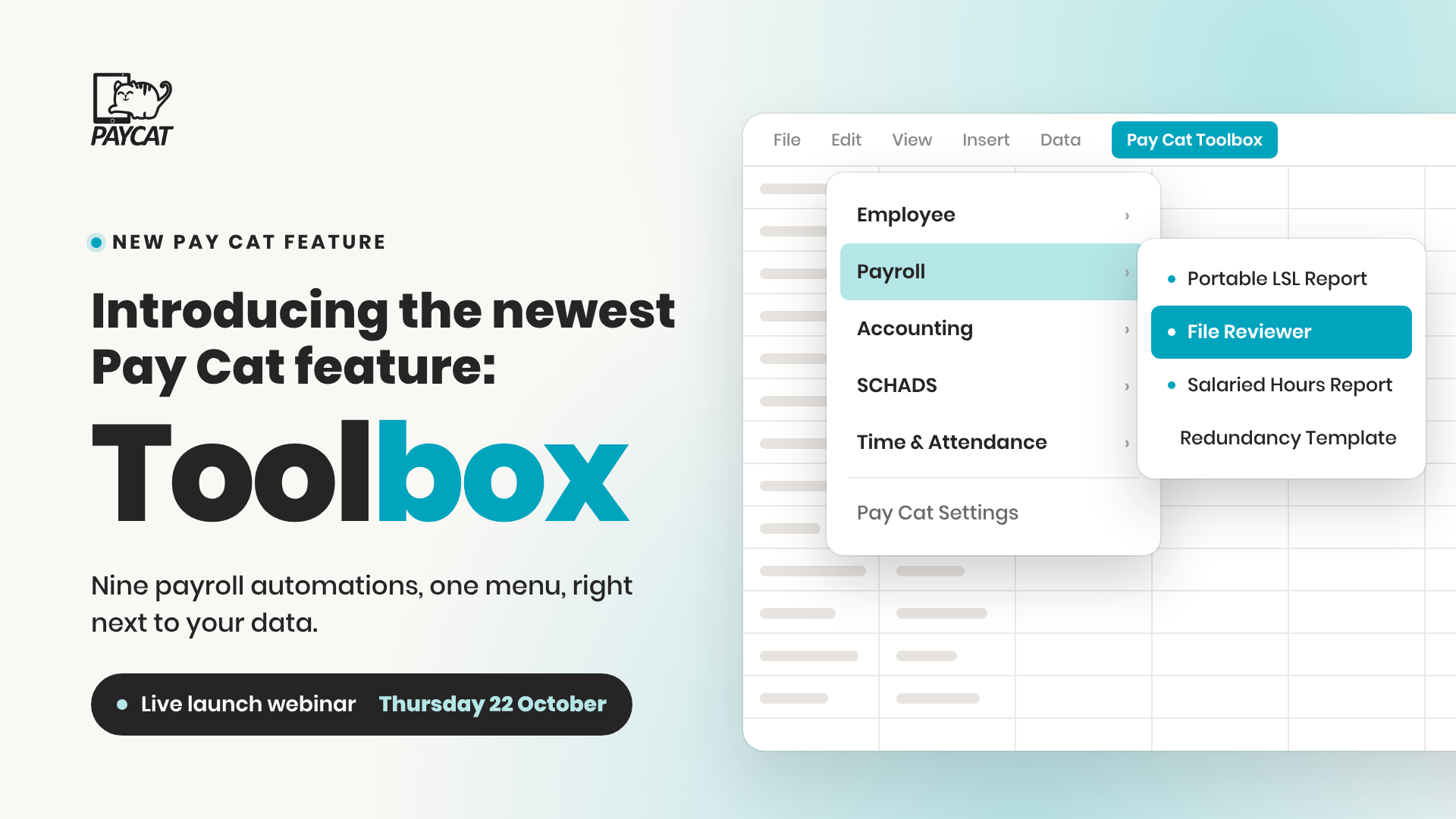
New in Pay Cat
Get hours back on SCHADS payroll
Meet Pay Cat Toolbox: 9 new tools that save SCHADS payroll teams time and money. See it live at the free launch webinar on 22 October at 12pm AEDT (online).
There's more to payroll than the pay run
The portable long service leave return is the job nobody volunteers for. The rules change from state to state, so does the view on which wages count, and it's a return you can't afford to get wrong. Then there's bulk-updating fifty employee records. Reshaping timesheets from a CRM that has never heard of Pay Cat. Working out which SCHADS employees are due for a pay point change, or the extra week of annual leave. None of it is quick, and none of it is simple. Most of it means exporting, re-importing, and hoping nothing broke in between.
Toolbox turns each of those jobs into a menu item, connected directly to your Pay Cat business file, so the export and re-import round trip disappears.
Any of this sound familiar?
| 1 | Giving everyone five weeks of annual leave because working out who actually qualifies is too hard? Across 50 staff that is roughly $38,000 a year you may not owe. |
| 2 | Losing the best part of a day each quarter to the portable long service leave return, then hoping the figures are right? |
| 3 | Moving someone up a pay point too early and overpaying, or too late and owing back pay? |
| 4 | Rebuilding timesheets by hand every fortnight because your CRM doesn't talk to Pay Cat? |
| 5 | Half a day gone on a bulk employee update that should take fifteen minutes? |
Nine tools, one menu, right next to your data
Every tool runs from the Pay Cat Toolbox menu inside Google Sheets, once your API key and business file are connected. Some make things Pay Cat already does faster, others are reports you won't find anywhere else in the system. All nine came from what clients actually asked us for.
Already using Pay Cat?
Toolbox is ready to install. No demo, no waiting.
I'm a Pay Cat customer, take me to the Pay Cat Toolbox!Up and running before your coffee goes cold
Install the extension
Open any Google Sheet and go to Extensions > Pay Cat Toolbox. A free Gmail account works fine, you don't need a paid Google Workspace subscription. It only takes a minute, and it's ready across every sheet after that.
Connect your business
Add your Pay Cat API key and choose your business file under Pay Cat Toolbox > Pay Cat Settings. Toolbox now talks directly to your live Pay Cat data.
Run what you need
Pick a tool from the menu, Employee, Payroll, Accounting, SCHADS or Time & Attendance, and get on with the rest of your day.
Every tool has a full walkthrough in the Pay Cat Toolbox Guide, including menu paths, required fields and what each generated tab means.
One price, every automation in the menu
Toolbox is an add-on to Pay Cat Payroll. It is $2 per employee, per month on top of your existing subscription, and that covers all nine automations, Employee Updater through to the SCHADS 5-Week Annual Leave Assessment. There is no separate fee per automation.
You will need an active Pay Cat Payroll subscription and an API key to use it. For exact terms and how it applies to your business, see the full breakdown on our pricing page.
per month
Covers all nine automations. Requires an active Pay Cat Payroll subscription.
See Full Pricing DetailsSee the Pay Cat Toolbox in Action
Watch how easy it is to run the Toolbox automations
★★★★★
“Since choosing Pay Cat, I’ve been able to sleep well at night after payroll. It’s peace of mind knowing everything is built in. Payroll is one of those areas where you cannot afford to make mistakes.”
Hemakshee Busviah, Samy Care
Questions people ask before turning Toolbox on
Pay Cat Payroll with Toolbox is $11 per employee, per month. That covers the payroll platform and all nine Toolbox tools, Employee Updater through to the SCHADS 5-Week Annual Leave Assessment. There is no separate fee per tool.
Already on Pay Cat Payroll? Adding Toolbox is an extra $2 per employee, per month, taking your subscription from $9 to $11.
Toolbox is charged on your active employee count, the same basis as your Pay Cat Payroll subscription, and it is only available to Pay Cat customers with an active API key. See our pricing page for the full breakdown and exact terms.
Install the app and click the link under "support" to access the set-up guide. Got questions? Reach out to support.
Yes, but a free Gmail account is enough, you don't need a paid Google Workspace subscription. Toolbox is a Google Sheets™ extension, so you'll need a Google account to install it and run it in a Google Sheet.
No. Everything runs from menus inside Google Sheets. If your team is comfortable in a spreadsheet, they're already comfortable in Toolbox.
No. Toolbox is built for Google Sheets only, not Excel. Once you've generated a report, though, Google Sheets can export it straight to XLSX format if you need the file in Excel.
Make a copy of the spreadsheet, or duplicate the generated data tab, before a big update. That way there's always a clean copy to fall back on if something needs a second look.
Ready to get Toolbox working for your team?
Two ways in, depending on where you are with Pay Cat.
Already with Pay Cat
Add Toolbox to my accountNo demo needed. Install straight from the Google Workspace Marketplace.
New to Pay Cat
Book a demoSee Toolbox running against a real business file, alongside the rest of Pay Cat.
Related services
Add-on
Customisations & Integrations
Tailor Pay Cat Payroll to your unique business requirements with custom pay rules and integrations.
Add-on
Award Templates & Configuration
Need a custom award or EBA template built from scratch? Our specialists build and configure it to run correctly in your payroll platform.
See template builds →