
Skip to content
Pay Cat Integration Partner

ShiftCare

ShiftCare handles your rostering. Pay Cat handles the pay run. Employee data flows straight through — no double entry, no guesswork.
ShiftCare logo 500x500px

Automatic

Employee data sync

Via API

Timesheets

Self-serve

Setup

All Plans

Available On

01 · Employee Data Sync

How employee records move between Pay Cat and ShiftCare.

API connection
Yes

Pay Cat pushes employee updates to ShiftCare automatically, with no manual exports.

Data flow direction
Pay Cat → ShiftCare

One-way sync. ShiftCare doesn’t write changes back to Pay Cat.

Data exchanged
✓ Name & email ✓ Pay rate / classification ✓ Leave requests not exchanged: Leave balances

Pay classification comes through via the employment agreement, mapped to a costing profile, not as a raw hourly rate.

Sync trigger
Webhook, plus on-demand

Runs automatically whenever employee or leave records change in Pay Cat, or any time on request.

Unique identifier
Email address

Staff are matched by payroll email on first import, then permanently linked by their Pay Cat Employee ID.

02 · Timesheets & Rostering

How shift and timesheet data reaches Pay Cat for pay runs.

Timesheets via API
Yes
Spreadsheet export
Not supported

Timesheets come through the API, so a manual file isn’t needed.

Work type / service mapping
Yes

Custom work types and service types can be mapped to Pay Cat cost items.

Sleepover shifts
Active + wake time handled

Active time has defined start and end times, and the sleepover is split so it never overlaps the wake-up time, so no manual adjustment is needed.

Travel time
Recorded & exported

Travel time is captured in ShiftCare and exported to Pay Cat as a timesheet line.

Optional data points
Location / cost centre, dimensions
03 · Pricing & Getting Started

Which plans include the integration, and where to start.

Pricing
Included on all plans

No extra tier required to use the Pay Cat integration.

Book a demo
Integration landing page
04 · Pay Cat Connect
Availability
Supported

available now

Pricing


Unfamiliar with Pay Cat Connect?

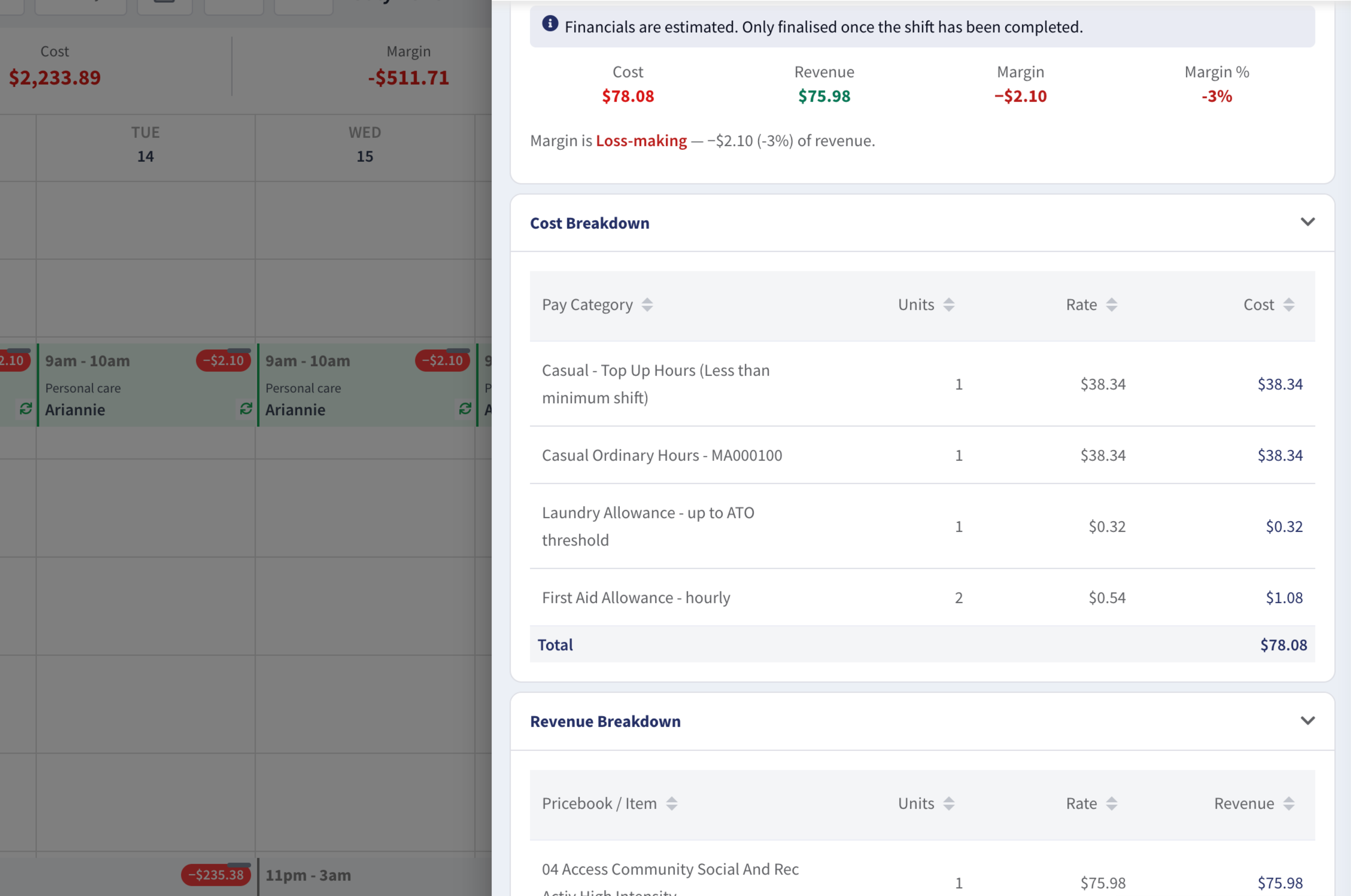
Pay Cat Connect shows the true SCHADS cost of a shift while it's being rostered, so providers can make better decisions before the shift is worked, not after payroll.

Find out how Pay Cat Connect helps providers
Pay Cat Connect x ShiftCare
ShiftCare shift panel showing the Pay Cat Connect SCHADS cost breakdown by pay category, with cost, revenue and margin for the shift

SCHADS cost breakdown for a single shift, by pay category
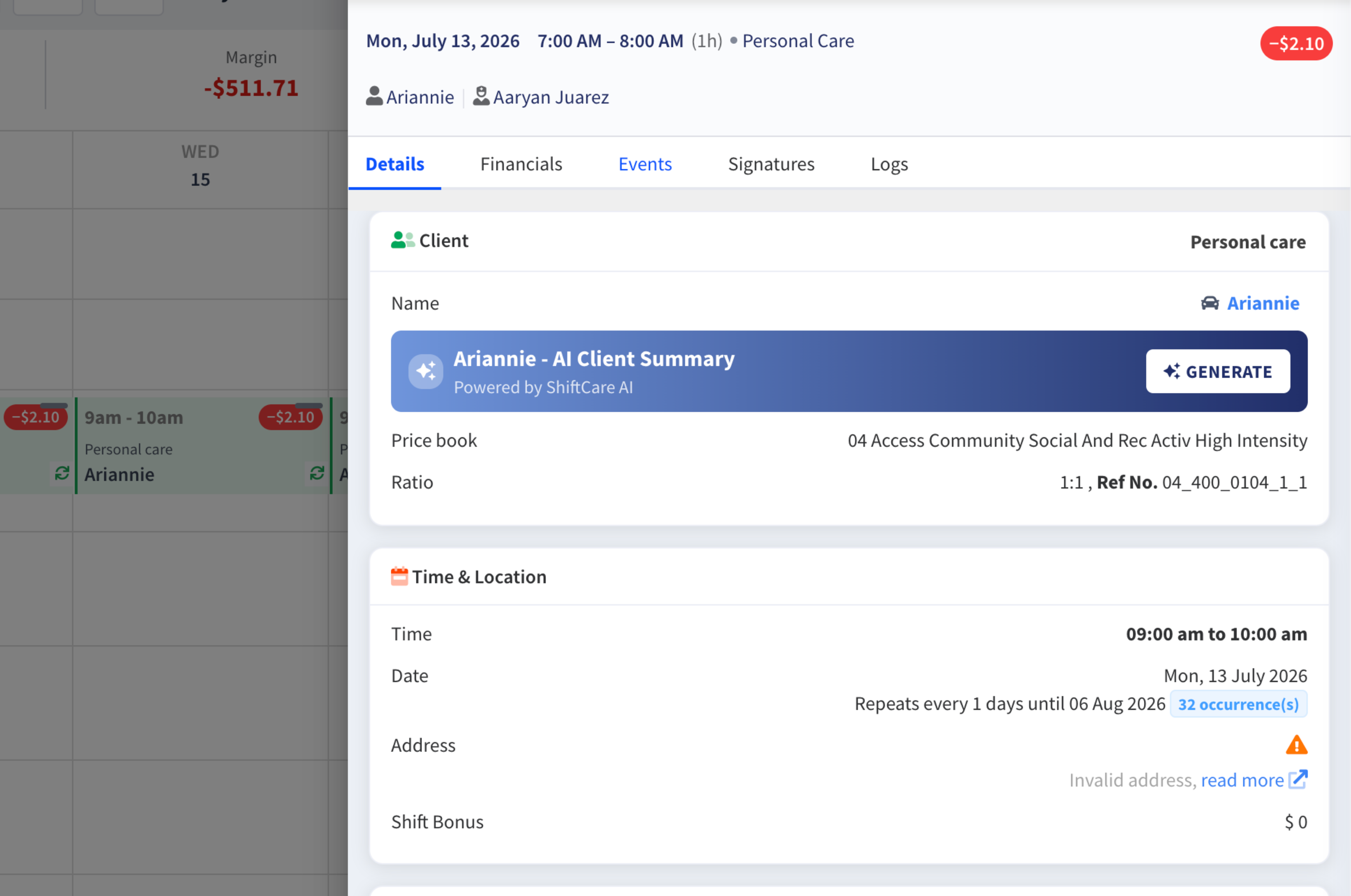
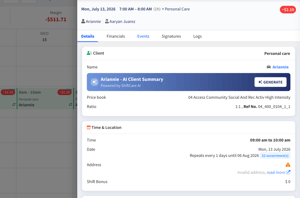
ShiftCare shift details view with the Pay Cat Connect margin flag shown on the shift

Shift margin flagged while the shift is being set up
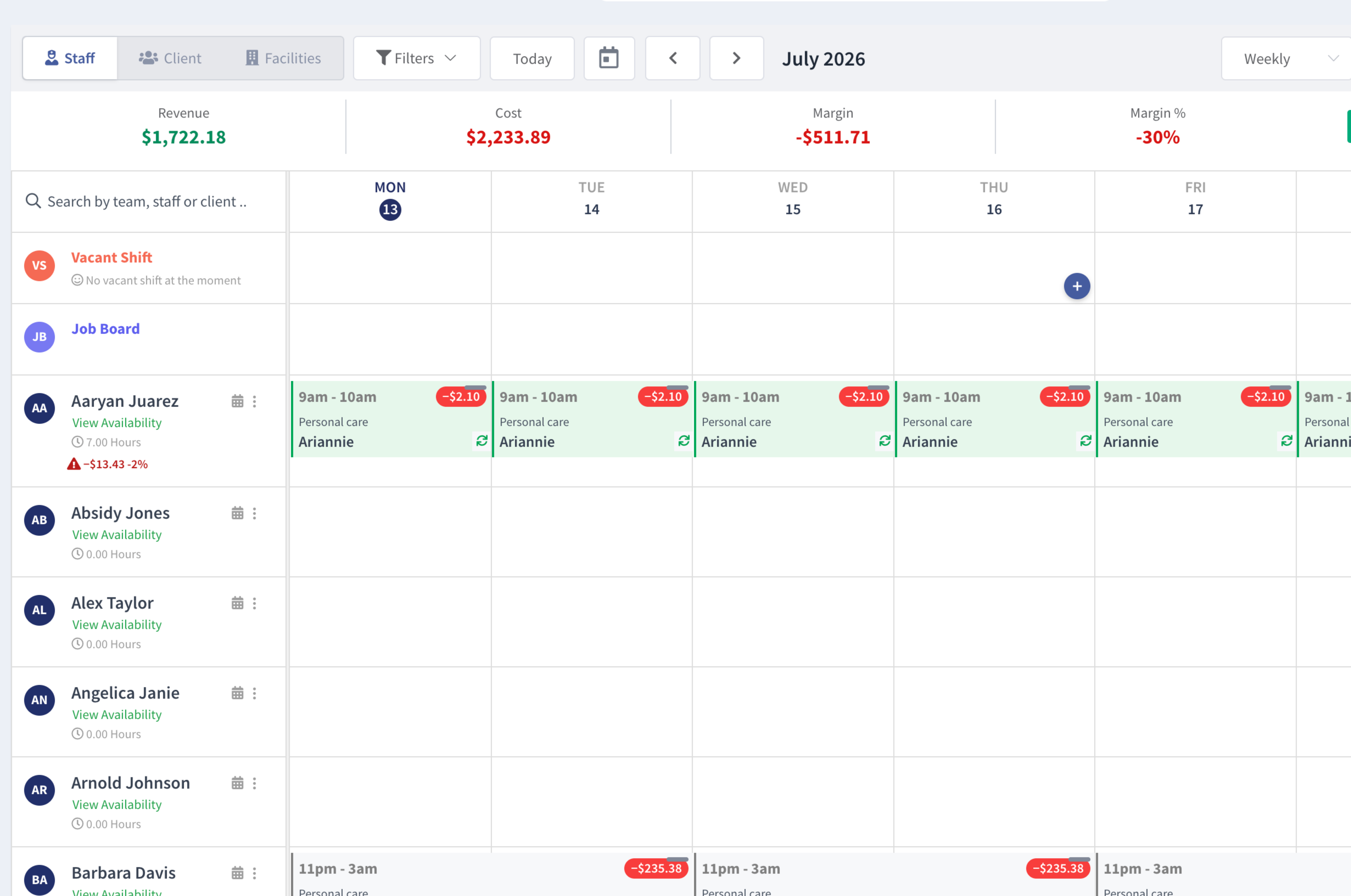
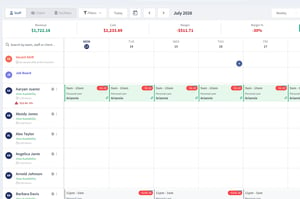
ShiftCare weekly roster with Pay Cat Connect showing total revenue, cost and margin, and a cost flag on each shift

Weekly roster view with revenue, cost and margin totals

See it in action

Pay Cat Connect × ShiftCare integration
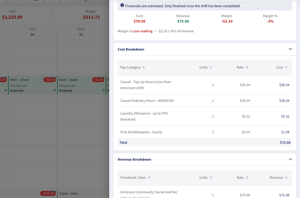
ShiftCare x Pay Cat Connect 1
ShiftCare x Pay Cat Connect 2
ShiftCare x Pay Cat Connect 3
Talk to Pay Cat

Questions about setting this up?

Use ShiftCare's own step-by-step guide to get everything set up.

See help article →
Contact ShiftCare

Get support directly from ShiftCare

support@shiftcare.com · +61 2 8311 4101

Email ShiftCare support →